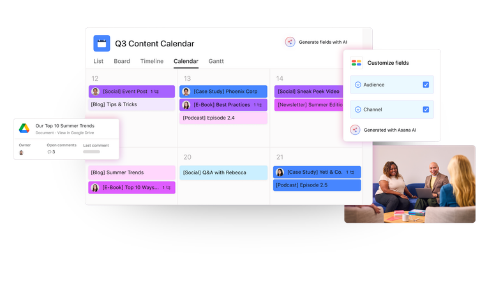
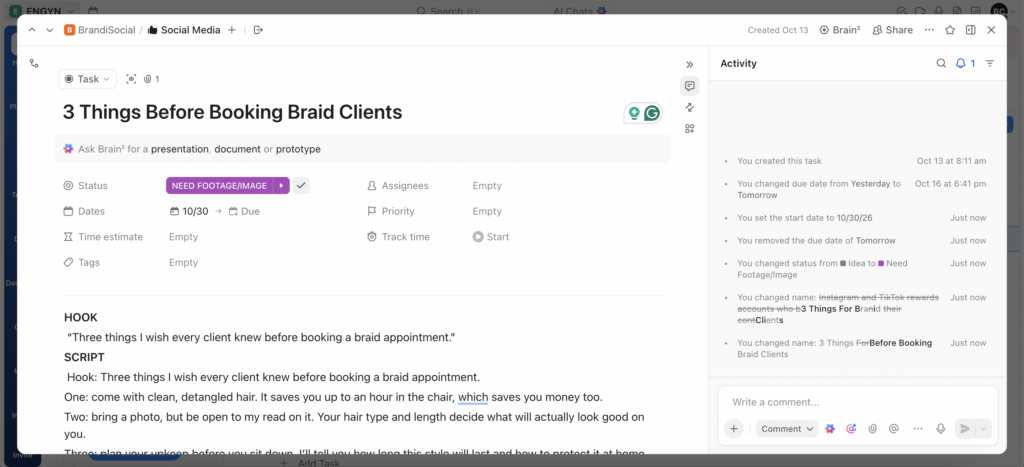
Hi, it’s Brandi from BrandiSocial! I am so excited to be working with you, and I’m so happy you’re here. In this video, I’m going to show you how to access your content calendar. Everything you need to create your content will live in one place, so nothing gets lost in a text or an email. I’ll show you how to find your calendar, what the different colors mean, and how to film and upload your videos. It only takes a couple of minutes.
#1 We Plan
We refresh your bio, build your content strategy, and send you a monthly calendar of scripted videos.
#2 You Film
Each card on your calendar has the script, shot notes, and an example. Film on your own schedule and upload your footage right to that card.
#3 We Edit & Post
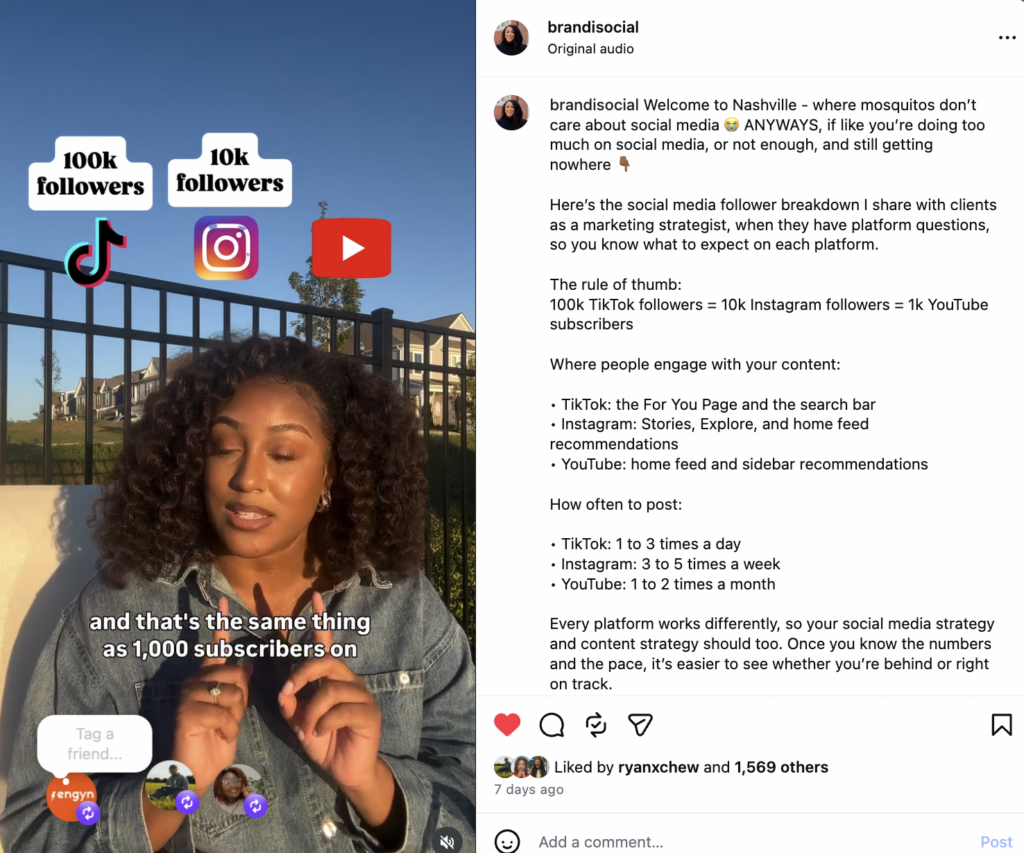
We edit your videos, schedule them, and post them for you.